



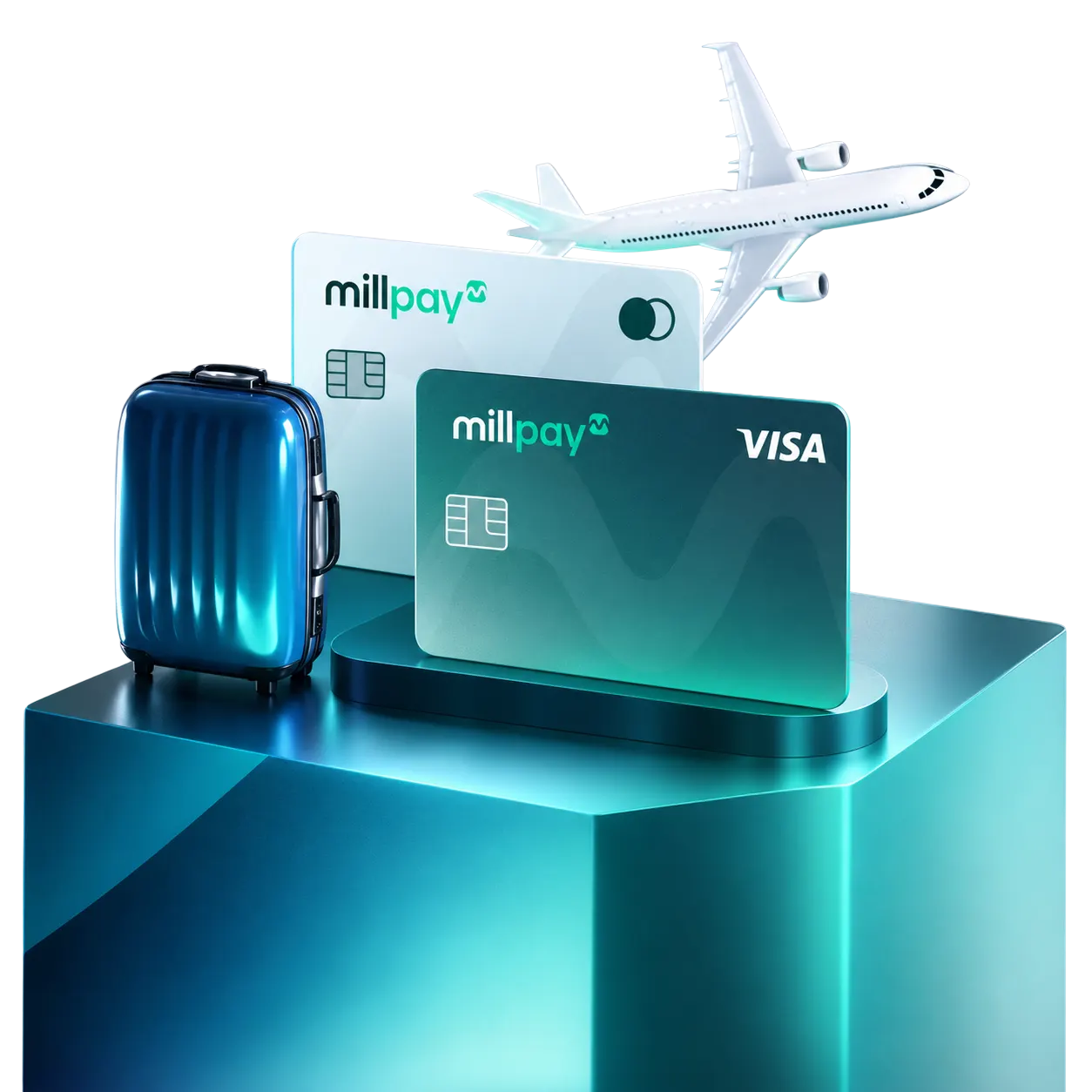

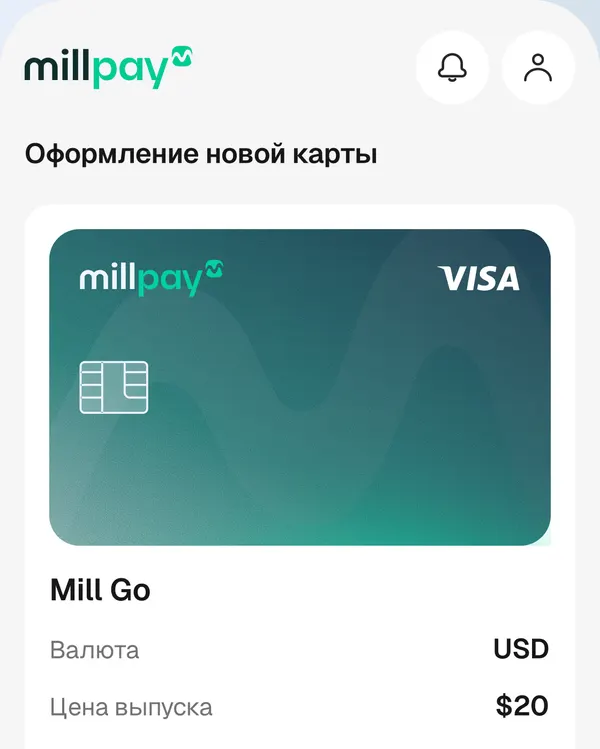
Mill Go
 For paying services
- Currency
- USD
- Google Pay top-up available
- Alipay / WeChat top-up available
- Issue price
- 20 $
Get a Millpay virtual foreign card online, without visiting a bank
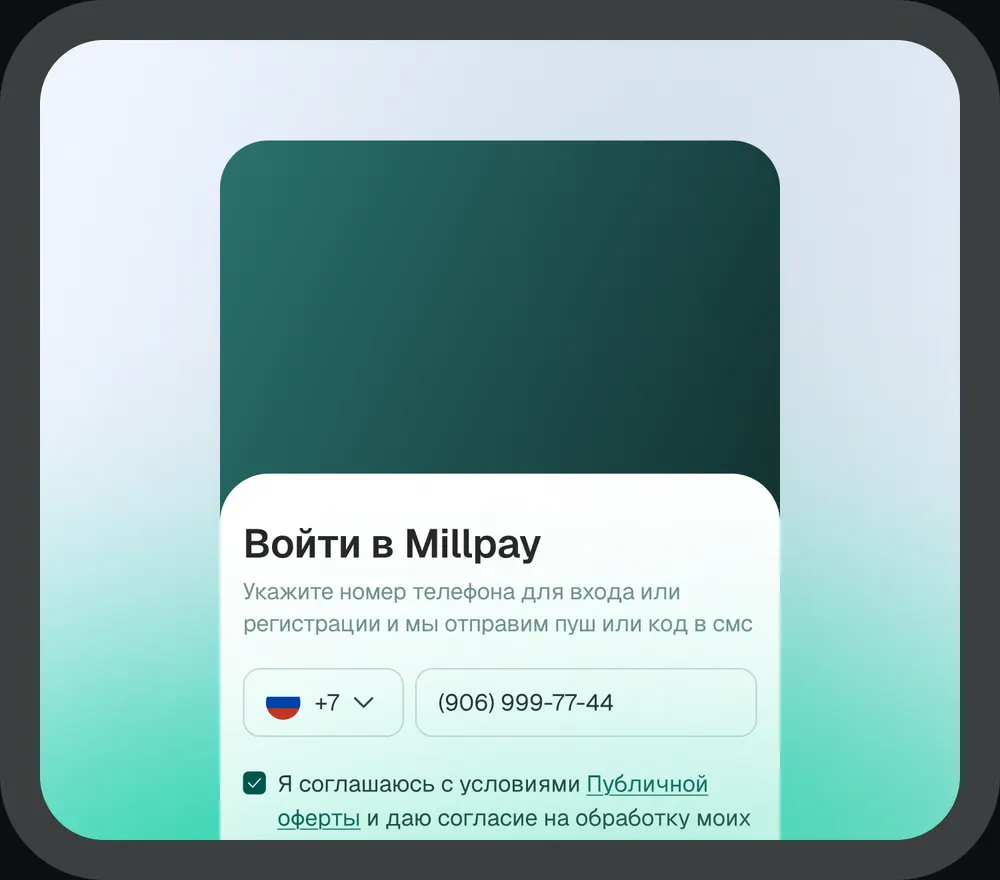
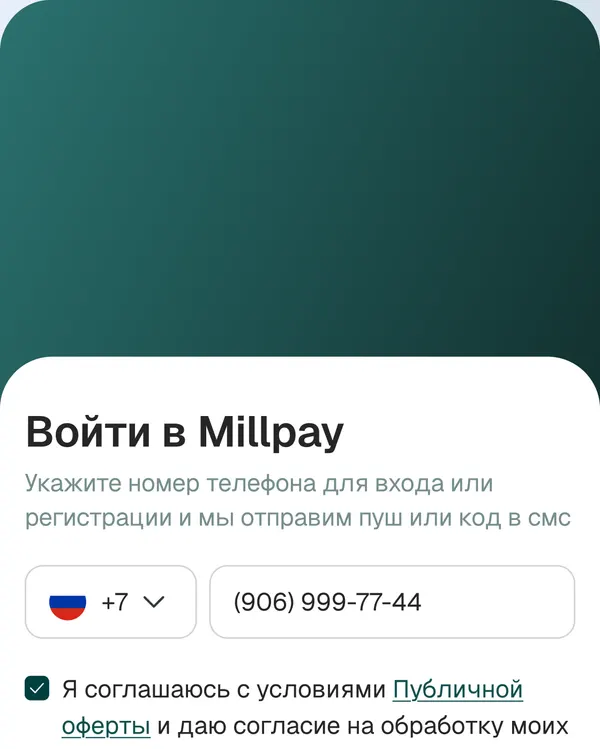
Sign-up and issuance happen entirely in the web app
It is issued in US dollars
and works for subscriptions
and purchases in foreign services
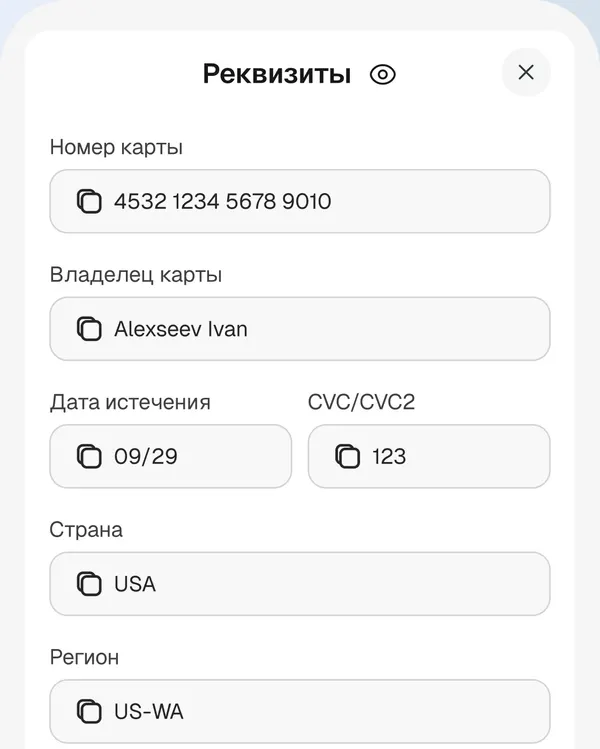
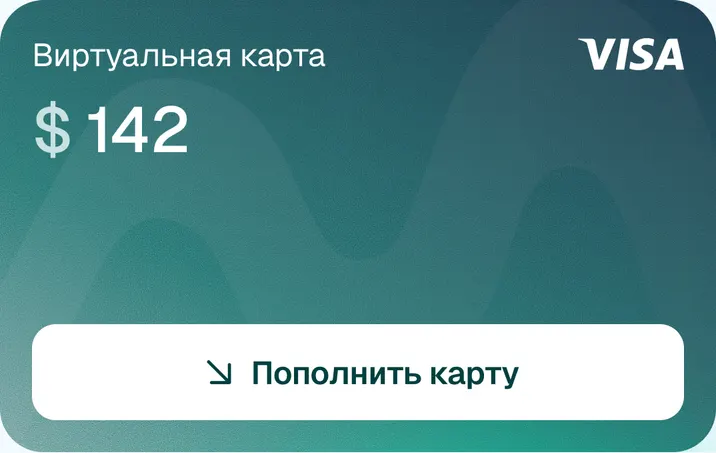
It is a virtual product issued by a foreign payment service. Instead of a bank account the user gets digital payment details: number, expiry date and security code. Those details are used to pay foreign services.
Millpay provides this virtual product as a foreign card with no physical carrier: every operation goes through the web app.
For paying services  Any payments, incl. offline
 Mill Go and Mill Daily work in US dollars. Mill Go is meant for paying online services and subscriptions, while Mill Daily also suits offline purchases thanks to Apple Pay and Google Pay - handy for foreign transactions outside Russia.
Details on the cards, their limits
and supported countries are shown when you issue a card in the Millpay app.
Issuing a virtual card takes a few steps.
Sign up in the Millpay
web app
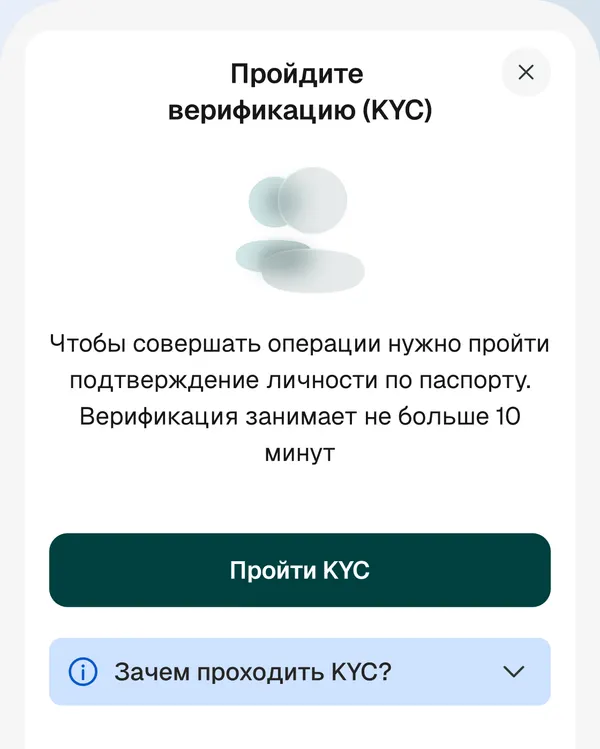
Pass identity verification
Choose Mill Go
or Mill Daily
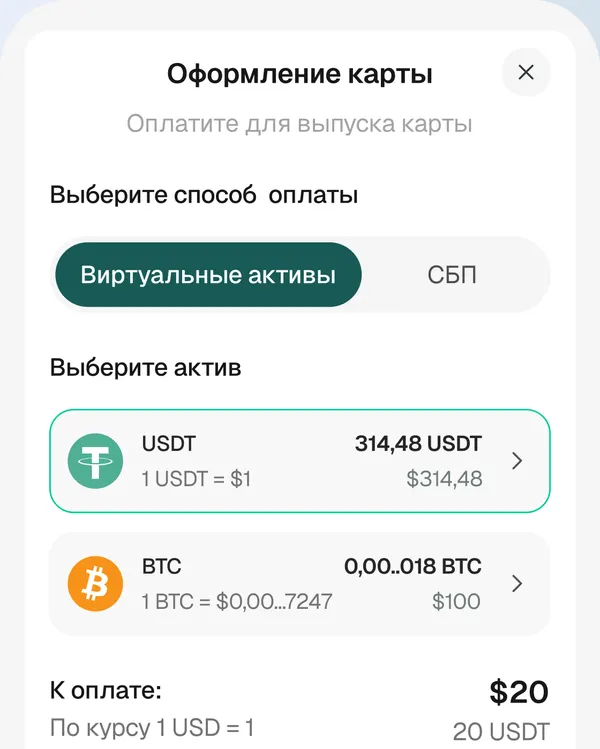
Pay the issue fee
Get your card details
in your account

Mill Daily connects to Apple Pay and Google Pay, so you can pay offline through a mobile wallet - handy for foreign services and everyday spending.

If your card is blocked for any reason, you can message support right inside the app.

Sign-up also works with foreign phone numbers and passports.

The virtual card is topped up with digital assets: the fee is 2.5%, the minimum first top-up is $10

Mill Daily connects to Apple Pay and Google Pay, so you can pay offline through a mobile wallet - handy for foreign services and everyday spending.
Mill Go supports Google Pay.
Millpay is a service for digital assets
and virtual cards, operating in line
with identification and transaction-check requirements. User verification and transaction controls are built on KYC and AML procedures.
A summary of terms for Mill Go and Mill Daily
A currency conversion fee of up to 3% may also apply.
Yes. Everything happens online in the Millpay web app: sign-up by phone number, verification, choosing a card option and paying the issue fee. No office visit or foreign bank account is required.
No. It is a virtual product: instead of a bank account you get digital payment details — number, expiry date and security code. Every operation goes through the Millpay web app.
Both options — Mill Go and Mill Daily — are issued in US dollars. A payment in another currency is converted by the payment system; the final amount is shown in the transaction history.
You need access to the Millpay web app, a mobile phone for sign-up and an identity document for verification. Sign-up also works with foreign phone numbers and passports.
Top-ups are made with digital assets: the fee is 2.5% and the minimum first top-up is $10. Top-ups happen in the Millpay web app.
Apple Pay is supported on Mill Daily only. Google Pay, Alipay and WeChat work on both card options.
The funds stay on the card balance. You can use them for another payment or return them to assets with the “Return funds to assets” button in the web app.
Get a Millpay virtual foreign card and start paying foreign services within minutes.
Get it now














 Условия карты
 Показать реквизиты
 Вернуть средства в активы
 Настроить
 Получить 3D-Secure код